Start the PuTTYgen utility, by double-clicking on its .exe file
For Type of key to generate, select RSA. In the Number of bits in a generated key field, specify either 2048 or 4096 (increasing the bits makes it harder to crack the key by brute-force methods). Click the Generate button.

Move your mouse pointer around in the blank area of the Key section, below the progress bar (to generate some randomness) until the progress bar is full.
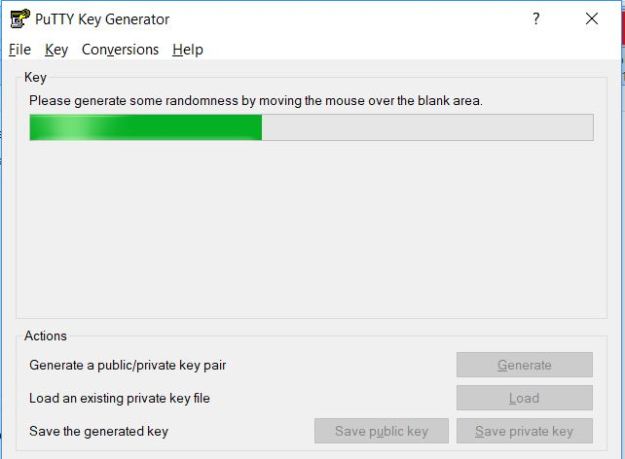
A private/ public key pair has now been generated, Click the Save public and private keys. If you lose your keys and have disabled username/password logins, you will no longer be able to log in server.

Thank you !!
 ORACLE CLOUD DBA BLOG
Pingback: Creating Single Instance Database in Oracle Cloud | ORACLE DBA BLOG