Tag Archives: CLOUD

OCI – Create OCI Compute Instance

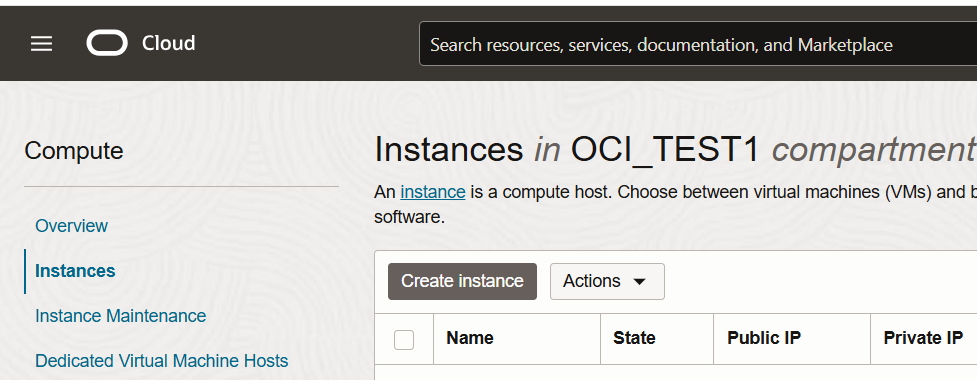
Navigate to the MENU –> Compute –> Instances. Click on Create Instance

Click on -> Create Instance
Provide Instance Name and compartment

Choose Availability Domain

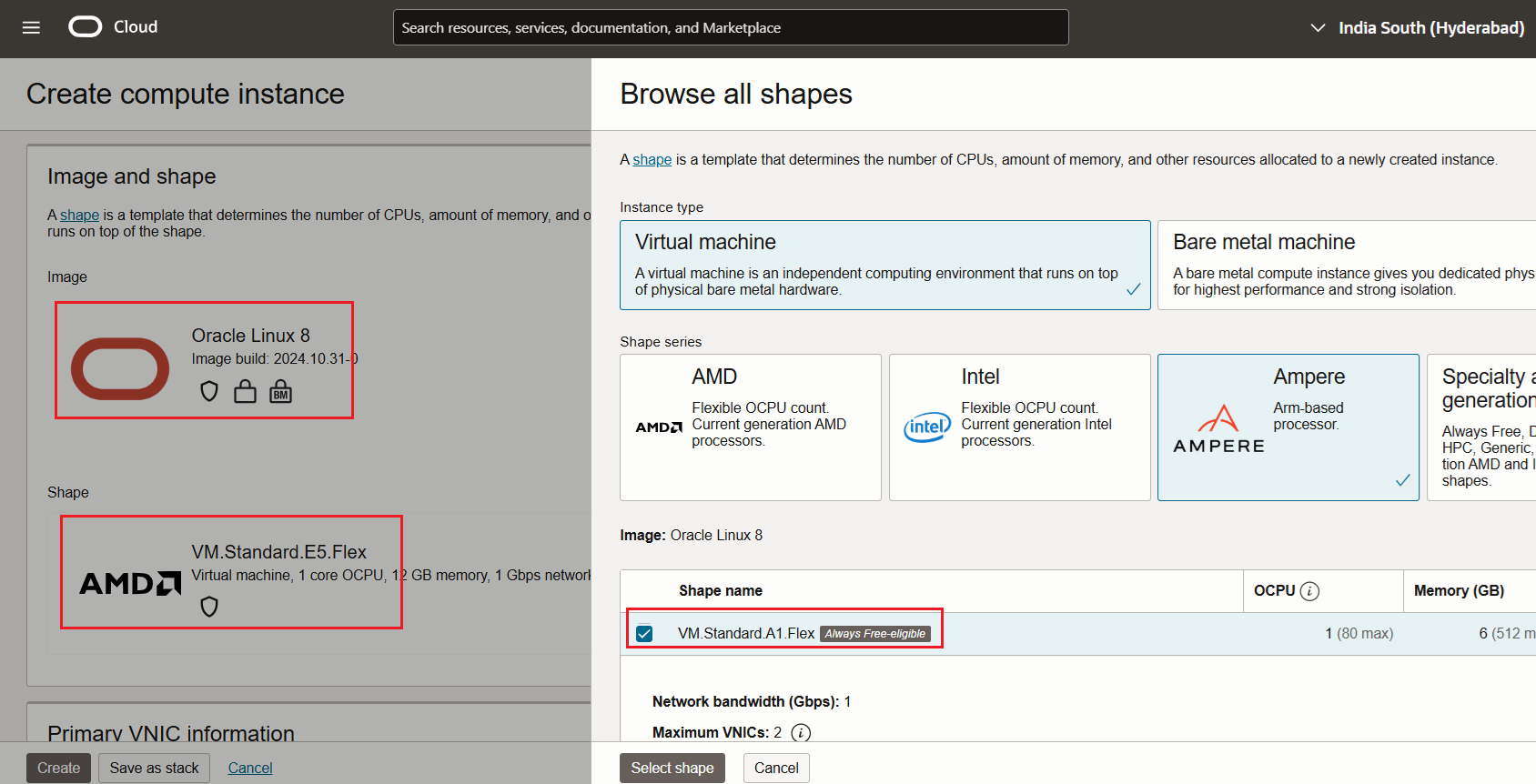
I choose Image – Oracle Linux 8

Free Shape – VM Standard A1.Flex
Select VCN and Subnet

For Creating VCN and Subnet – OCI – Creating Virtual Cloud Network(VCN) with Public and Private Subnets

Click on Generate a Key pair -> Save Private and Public Key for connecting the instance

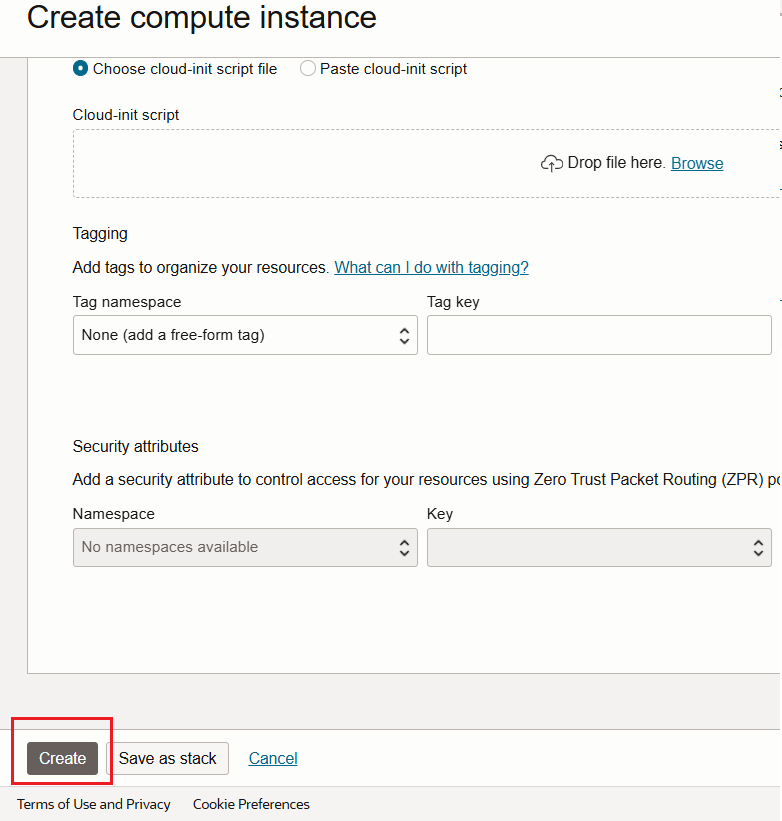
Click on Create
Connect to the server using Public IP and Private Key.

Thank you !

Happy Learning !!

Installation of OCI CLI in 10 minutes

I choose server with Oracle Linux 8 on OCI always free to complete the setup

Update server before installing the CLI.

[root@testserver tmp]# sudo dnf update

Install Oracle Developer Tools

[root@testserver ~]# sudo dnf -y install oraclelinux-developer-release-el8

Install python

[root@testserver ~]# dnf install python36-oci-cli

Check the OCI CLI version

Setup the OCI to work with our Cloud Account

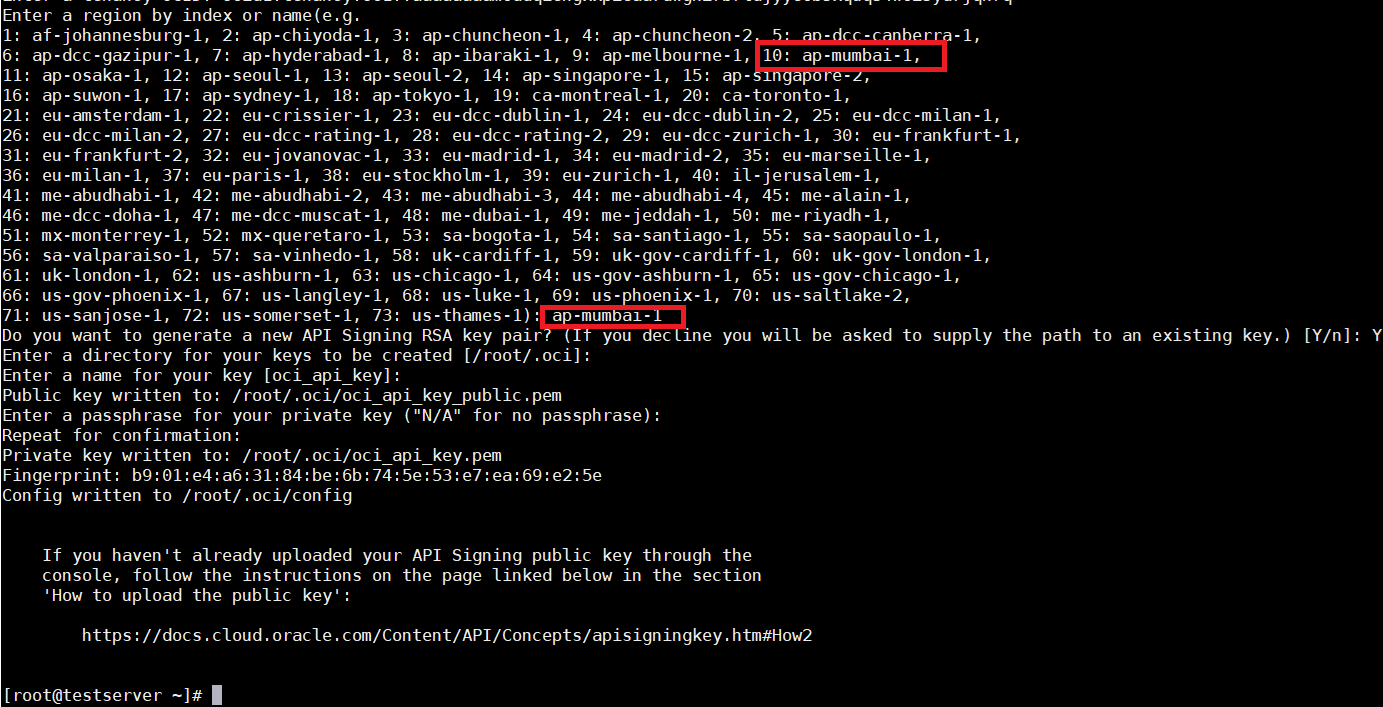
[root@testserver ~]# oci setup config

Provide OCI User Profile OCID – Profile -> User settings -> OCID

Provide OCI Tenancy OCID – Profile -> Tenancy details -> OCID

Provide region –> Number#10 or ap-mumbai-1

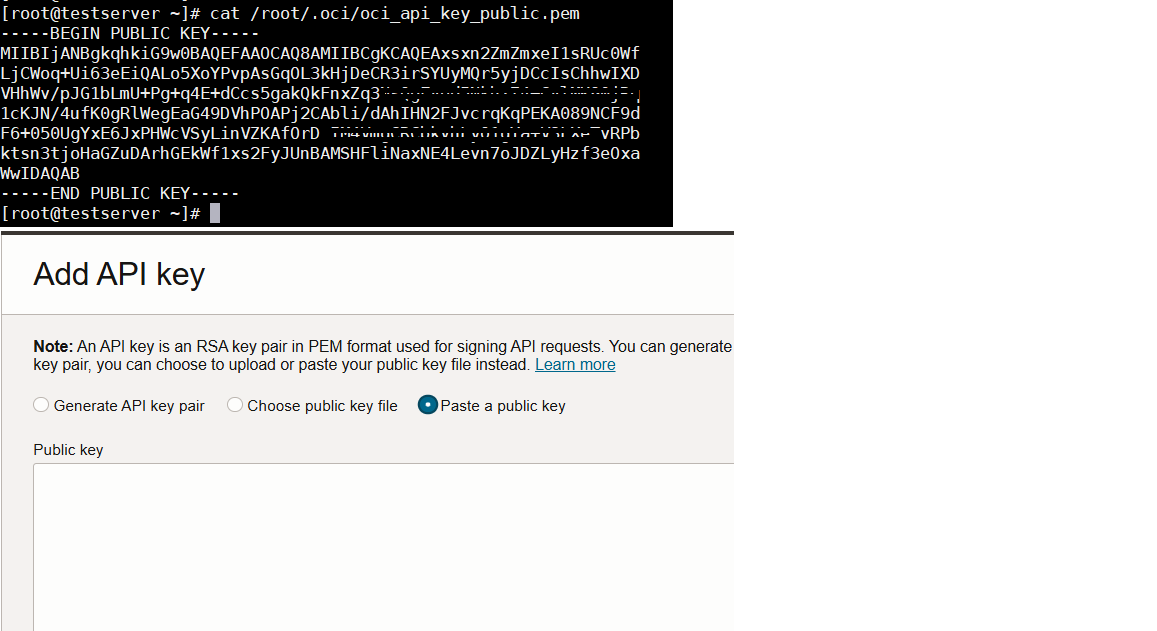
Need to upload the API key on OCI user which will be using for authentication

OCI User Profile -> User settings -> API Keys

Add API key -> Paste the public key

This Completes OCI CLI Setup – Lets validate the setup

[root@testserver ~]# oci iam availability-domain list

[root@testserver ~]# oci iam compartment list

Thank you !

Happy Learning !!